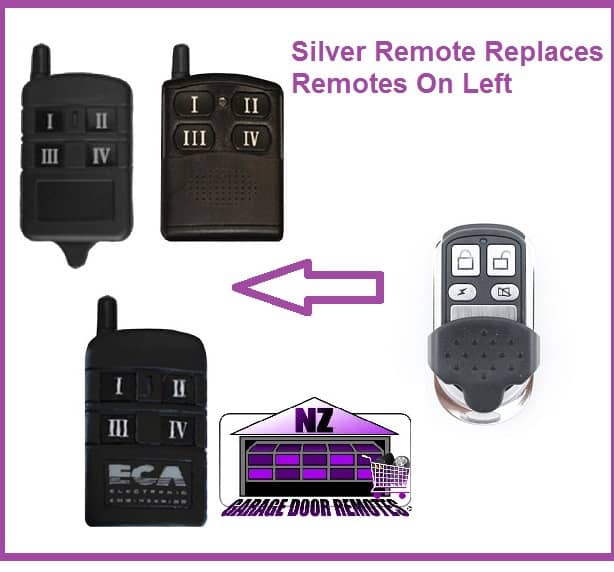
ECA Gate & Garage Door Replacement Remote
$ 38.07
ECA TX4 REMOTE CODING INSTRUCTIONS CODING VIA A WORKING REMOTE Take the operational remote control of the unit and stand about 2m from the receiver. Press and hold both the buttons (III) and (I) simultaneously for 10 seconds or till the program LED turns ON to indicate that the receiver is ready to learn the new remote control’s button. Press and hold the one of the buttons Padlock Closed Or Padlock Open of the NEW remote control for 10 seconds or till the program LED turns off. The LED light will turn off to indicate that the remote button has been learned into the receiver’s memory. CODING VIA THE RECEIVER 1. Remove the jumper “Teach / Clear” in the receiver and the program LED light will turn on. 2. Press and release the button on the new remote control, which you would like to operate the receiver till the LED light turns off, (about two seconds). 3. Return the “Teach / Clear” jumper to its place. 4. Repeat steps 1- 4 for teaching more remote controls. DELETING REMOTES 1. Disconnect the power supply from the receiver and remove the “Teach / Clear” Jumper in the receiver. 2. Wait for 5 seconds and reconnect the power supply. The program LED light will turn on in the receiver. 3. Return the jumper “Teach / Clear “ to its place immediately before the LED light turns off. 4. The LED will flash twice to indicate that all remote controls were deleted from the receiver’s memory.